
Local video selection
Choose a supported video file using drag and drop or the standard file browser.
Desktop video publishing utility
Komkos Creator Uploader is a Windows desktop application that lets creators select, preview, and securely transfer a video draft to an account they have authorized.
Desktop applicationThe application provides a focused desktop workflow for creators who prepare video files locally. Authorization is completed directly with the creator's account, and every upload requires an explicit action from the user.
Choose a supported video file using drag and drop or the standard file browser.
Review the selected video in the native desktop preview before starting a transfer.
Monitor transfer progress, processing state, and the returned publishing reference.
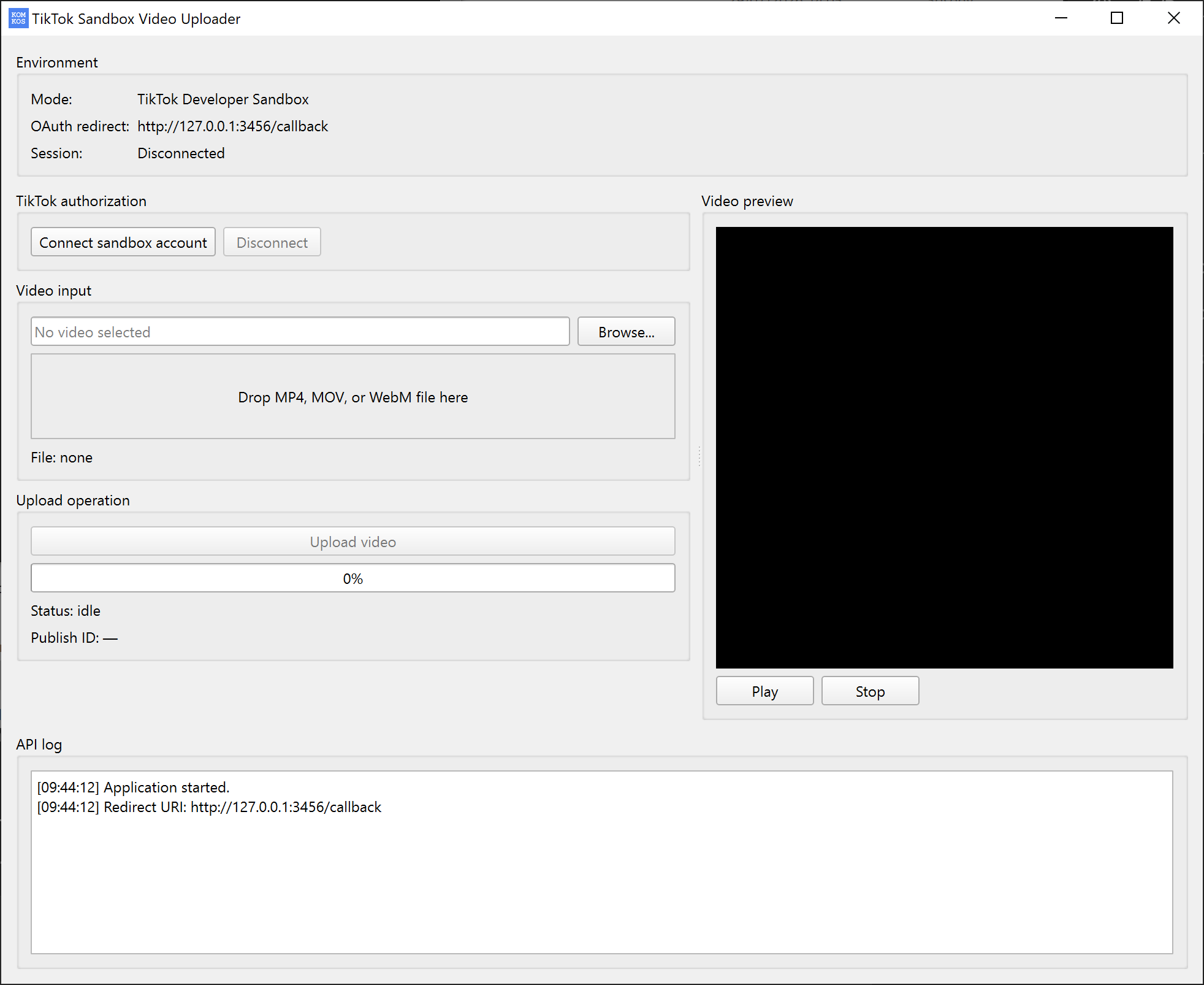
The application uses TikTok Login Kit and the Content Posting API. Videos are uploaded as drafts so the creator can continue editing and complete the post inside TikTok.
The creator signs in through TikTok and grants the video upload permission.
The creator chooses a local video and verifies it in the application.
The video is transferred to TikTok and delivered to the creator's inbox for completion.